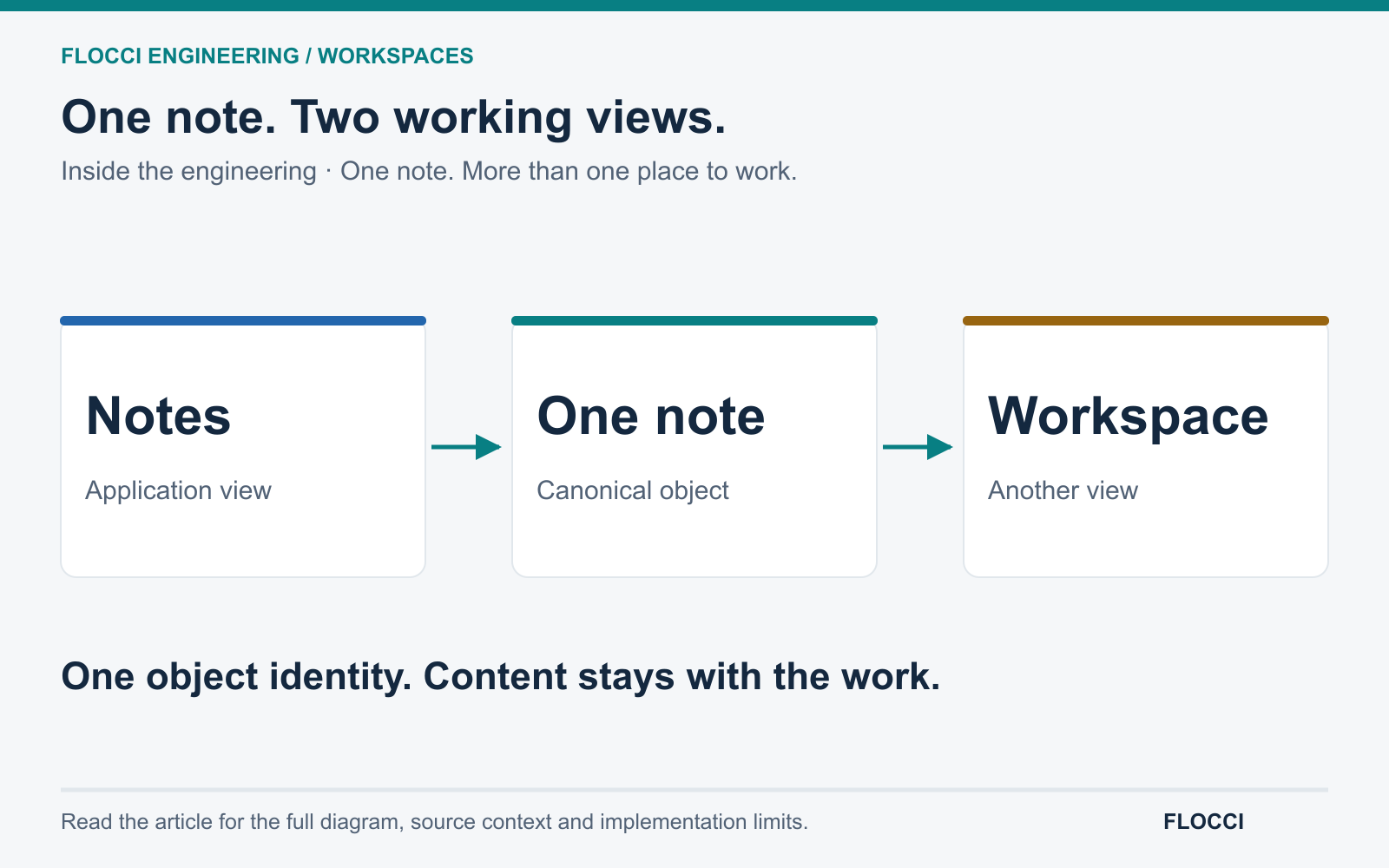
Capture before the thought goes.
Remove the setup decisions from everyday note-taking.
- Title-free capture
- Automatic saving
- Empty-note cleanup
Fast capture notes
Flocci Notes
A Google Keep alternative made for work: capture without a title or a filing ceremony, organise with colour, labels and checklists, then publish the note to Library when it becomes knowledge worth keeping.
notes.flocci.in
Open a note and capture the thought without choosing a folder or title.
Add a checklist, labels, colour and references, or review an AI Compose draft.
Publish into Library when the note deserves a permanent place.
Explore the tools, records and controls that make the workflow possible.
Remove the setup decisions from everyday note-taking.
Use lightweight organisation instead of building a filing system.
Describe the note and review the proposed result.
References make a small note part of the working picture.
Documentation can begin as a quick note.
Personal and team capture serve different jobs.
Public product preview. Open the product to explore its current experience.
Open Notes (opens in a new tab)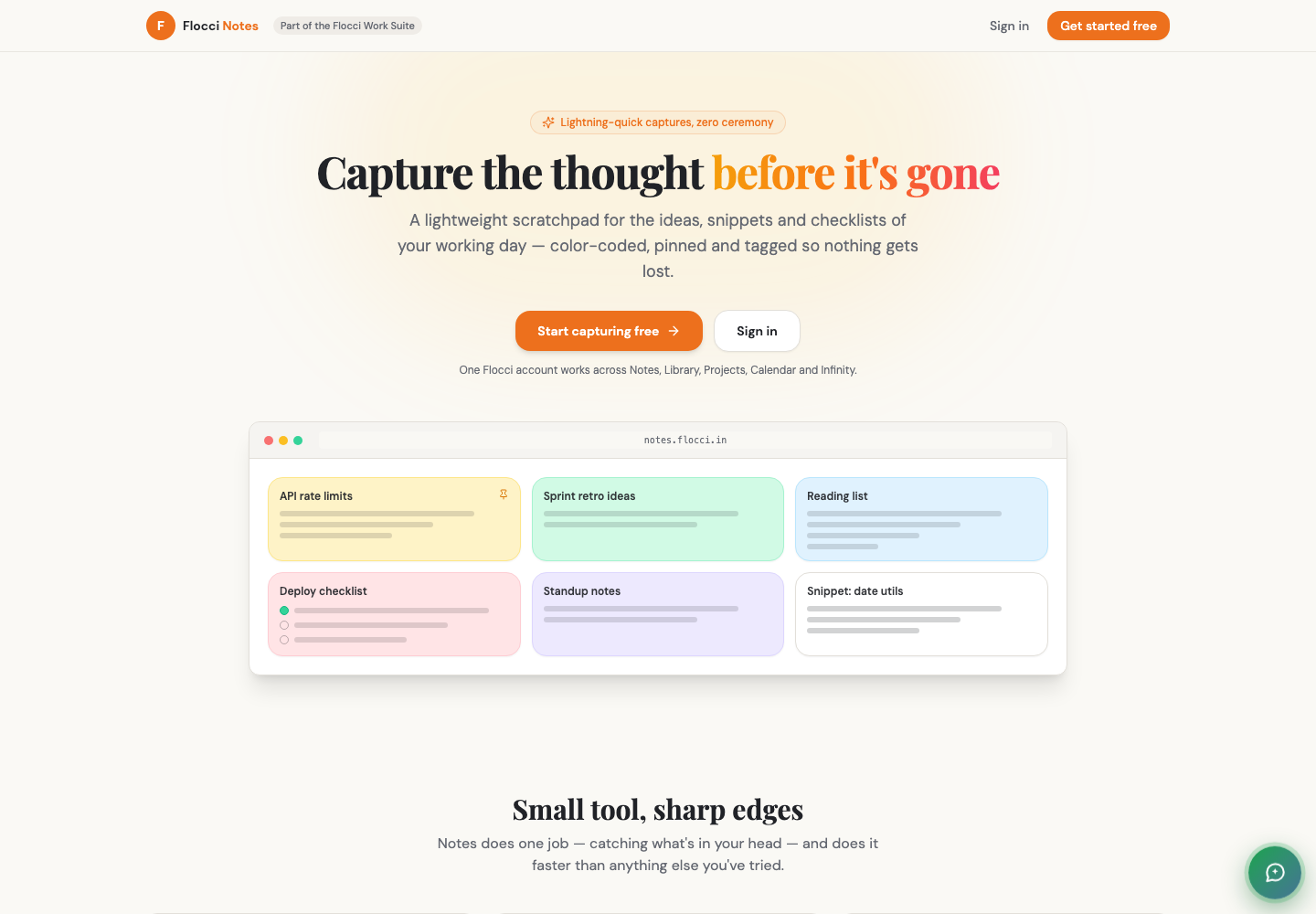
Capture meeting preparation and follow-up without creating documents.
Keep a pinned checklist for repeated operating work.
Turn a useful scratch note into team documentation.
Notes connects through explicit references and one-click Library publication. Its shared activity context does not mean note bodies, checklist items or images become public platform content.
Core note work follows the Work Apps workspace model. AI Compose uses published credits, with the generated result available for review and editing.
Flocci Notes is built for speed of capture: notes, snippets, images and checklists land in one keystroke, then get labelled, pinned and reordered. Anything that turns out to matter exports straight into Flocci Library as team knowledge.
Core note work follows the Work Apps workspace model. AI Compose uses published credits, with the generated result available for review and editing.
No. A title, folder and tag are not required to start capturing. You can organise the note later.
Organisation boards are deliberately shared to the workspace. Use your personal board for private notes.
Notes connects through explicit references and one-click Library publication. Its shared activity context does not mean note bodies, checklist items or images become public platform content.
FLOCCI ENGINEERING · STORIES
Explore the architecture and product decisions behind this part of Flocci.
Capture the thought. Put it to work.