Knowledge that grows with the site.
Bring the material people actually visit into the support knowledge base.
- Page learning, including rendered pages
- Website crawling
- Uploaded documents and policies
AI customer support
Flocci Chat
Put an assistant on your website that can answer from your content, understand the signed-in visitor and use the screen in front of them. When a person is needed, Flocci Desk carries the conversation forward with its context intact.
chat.flocci.in
Learn from website pages, crawls and uploaded material.
Combine retrieved knowledge with verified identity, screen context and authorised lookups.
Answer with grounding, clarify uncertainty or hand the full conversation to your team.
Explore the tools, records and controls that make the workflow possible.
Bring the material people actually visit into the support knowledge base.
Each layer contributes when available, without becoming a requirement for every deployment.
Measure how the assistant answers instead of judging a polished demo.
Escalation enters a support workflow with the original conversation.
Connect useful lookups without giving the assistant unrestricted reach.
Embed support into the place a question arises.
Public product preview. Open the product to explore its current experience.
Open Chat (opens in a new tab)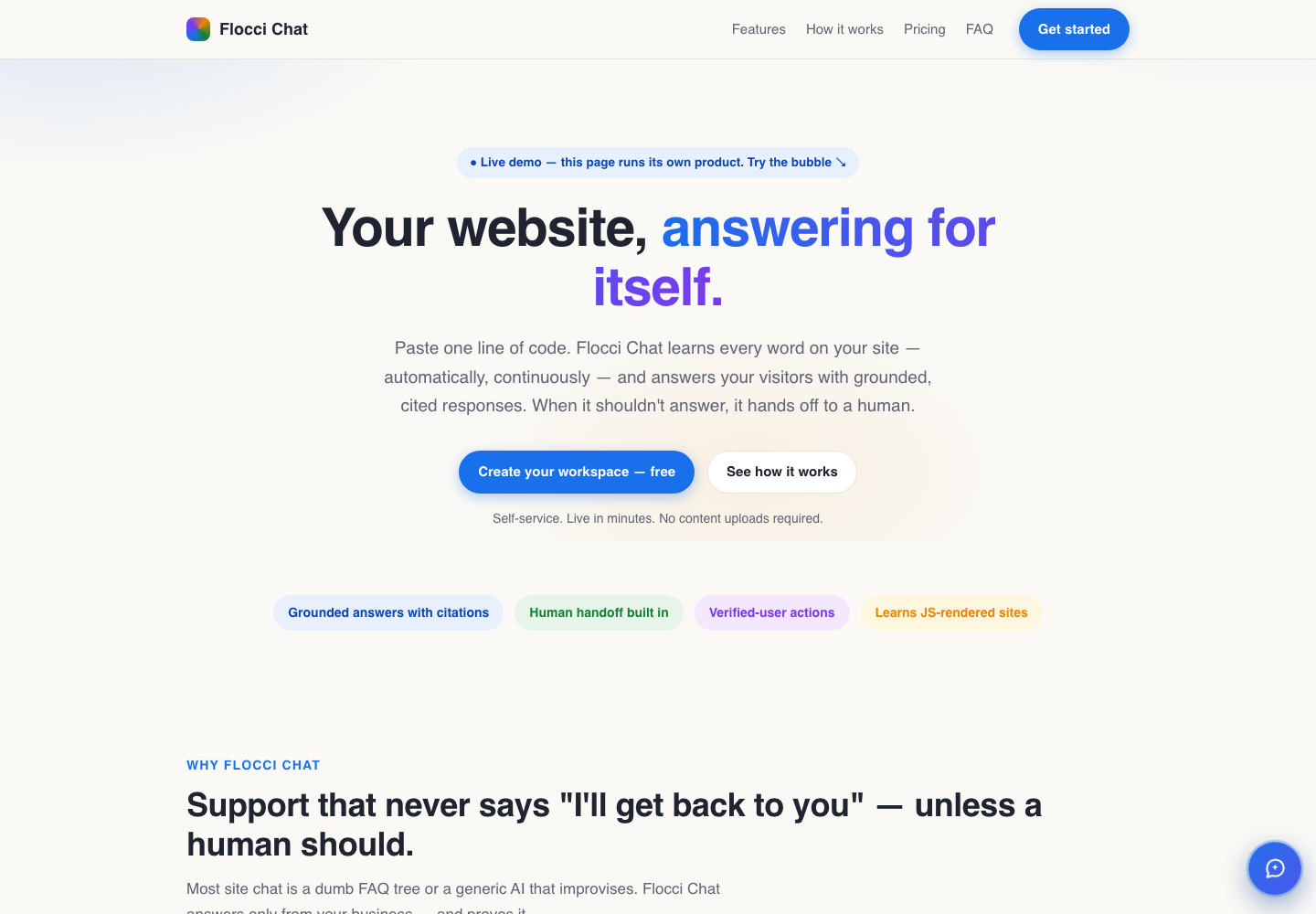
Answer product and policy questions from your own knowledge.
Help signed-in users with authorised, context-aware lookups.
Give support staff the full transcript when a case needs human judgment.
Flocci Chat combines its own knowledge with verified Flocci activity where supported. Its Desk workflow handles escalation; the shared account and wallet keep administration together.
Configure a workspace, add knowledge and use the published credit model for metered support actions. Desk is part of the workflow; the product controls which context and tools are available.
Flocci Chat is an embeddable AI support product trained on website and file knowledge. It grounds answers in sources, verified customer identity, screen context and connected lookups, with a native Flocci Desk inbox for human handoff and replies.
Configure a workspace, add knowledge and use the published credit model for metered support actions. Desk is part of the workflow; the product controls which context and tools are available.
The assistant can use your configured fallback, ask for clarification or offer a human handoff. An escalation becomes a Desk ticket with the transcript.
No. Knowledge, identity, screen context, tools and Flocci activity are independent layers. Available context improves the answer; absent context is handled explicitly.
Flocci Chat combines its own knowledge with verified Flocci activity where supported. Its Desk workflow handles escalation; the shared account and wallet keep administration together.
FLOCCI ENGINEERING · STORIES
Explore the architecture and product decisions behind this part of Flocci.
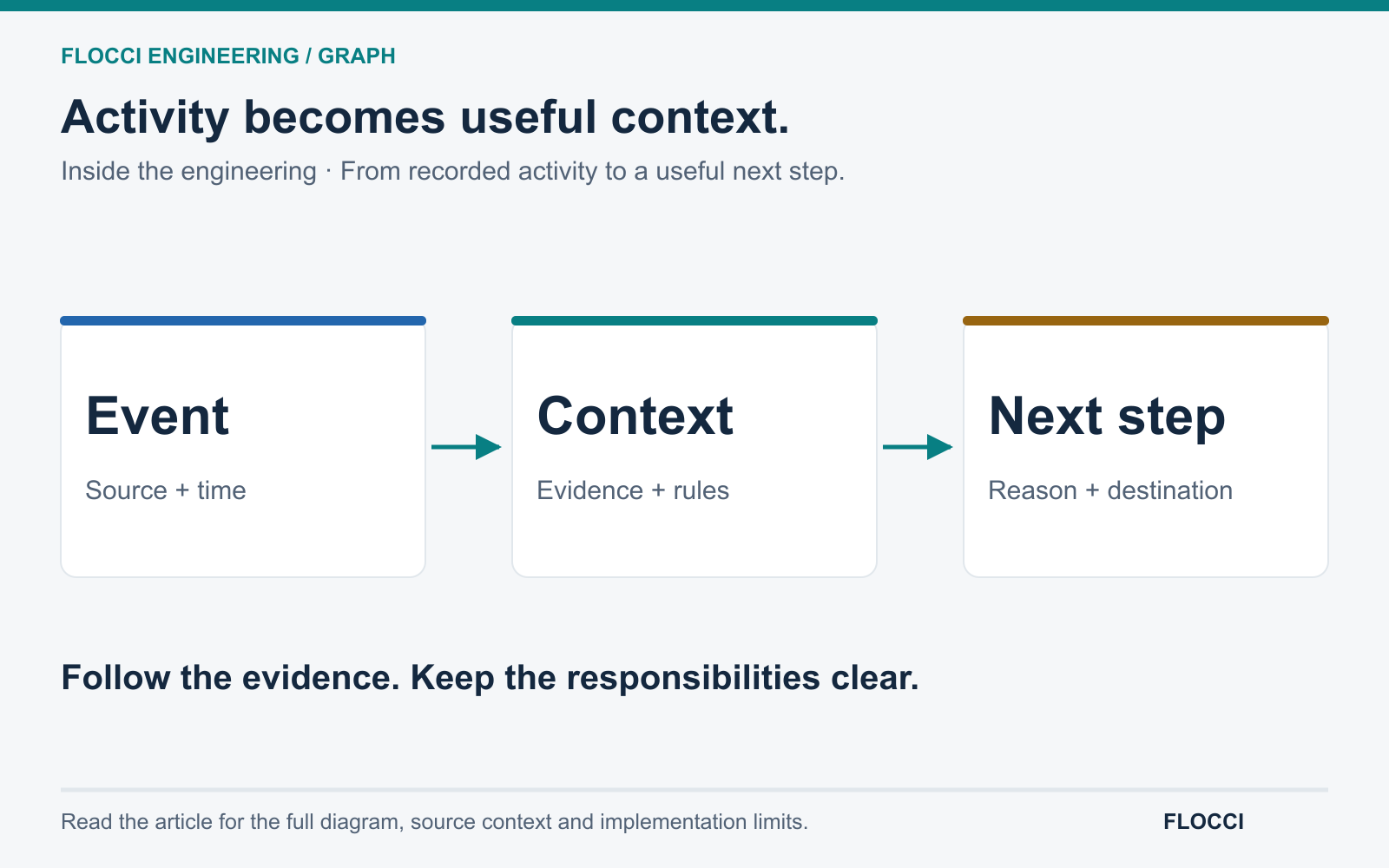
October 7, 2026 · On Crashtech
Inside Flocci Graph's approach to connected context: recorded activity, evidence-bearing suggestions and useful next steps across business applications.
Read the story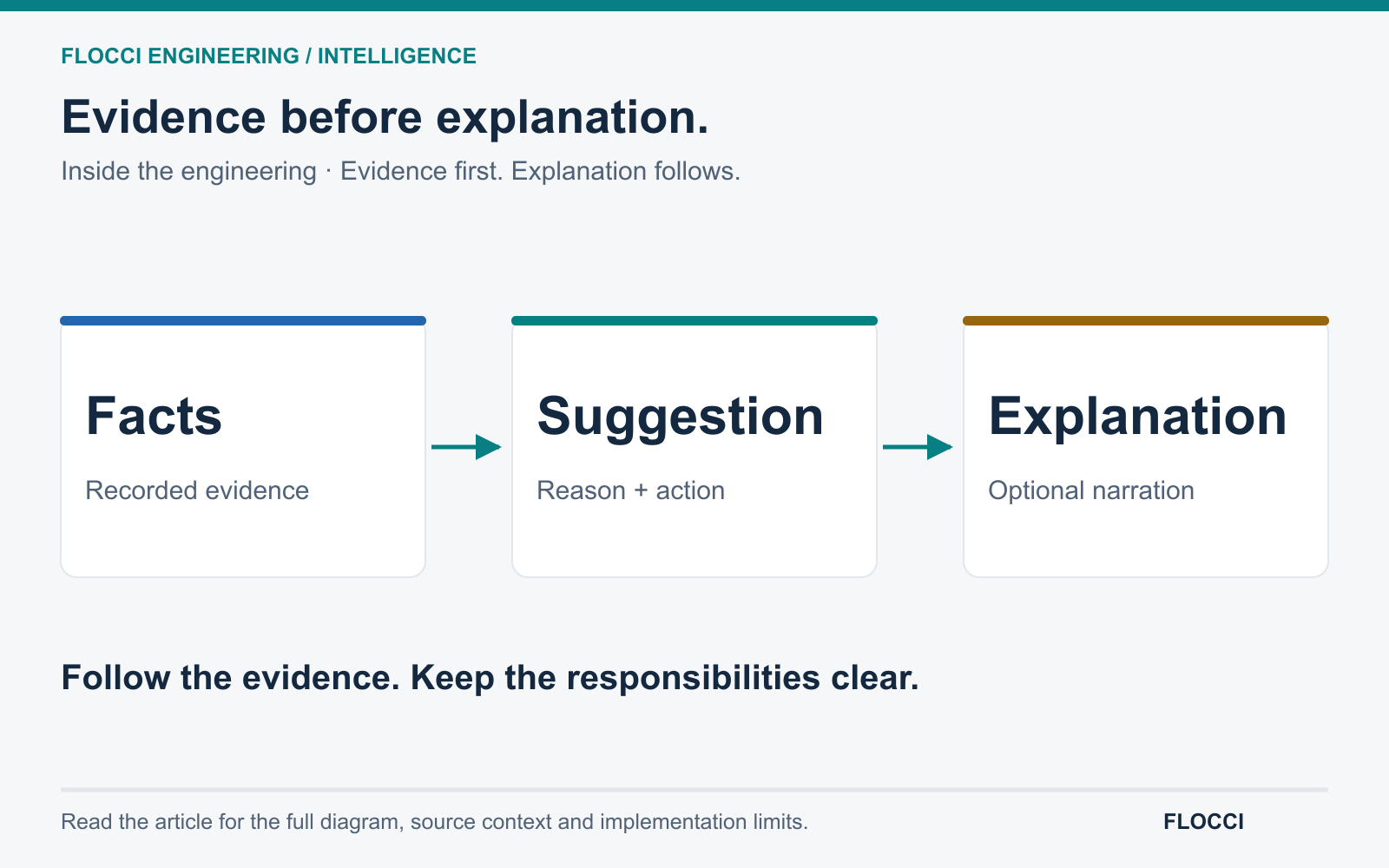
October 7, 2026 · On Crashtech
Flocci separates recorded facts, computed suggestions and generated explanation so business assistance has a foundation beyond persuasive language.
Read the story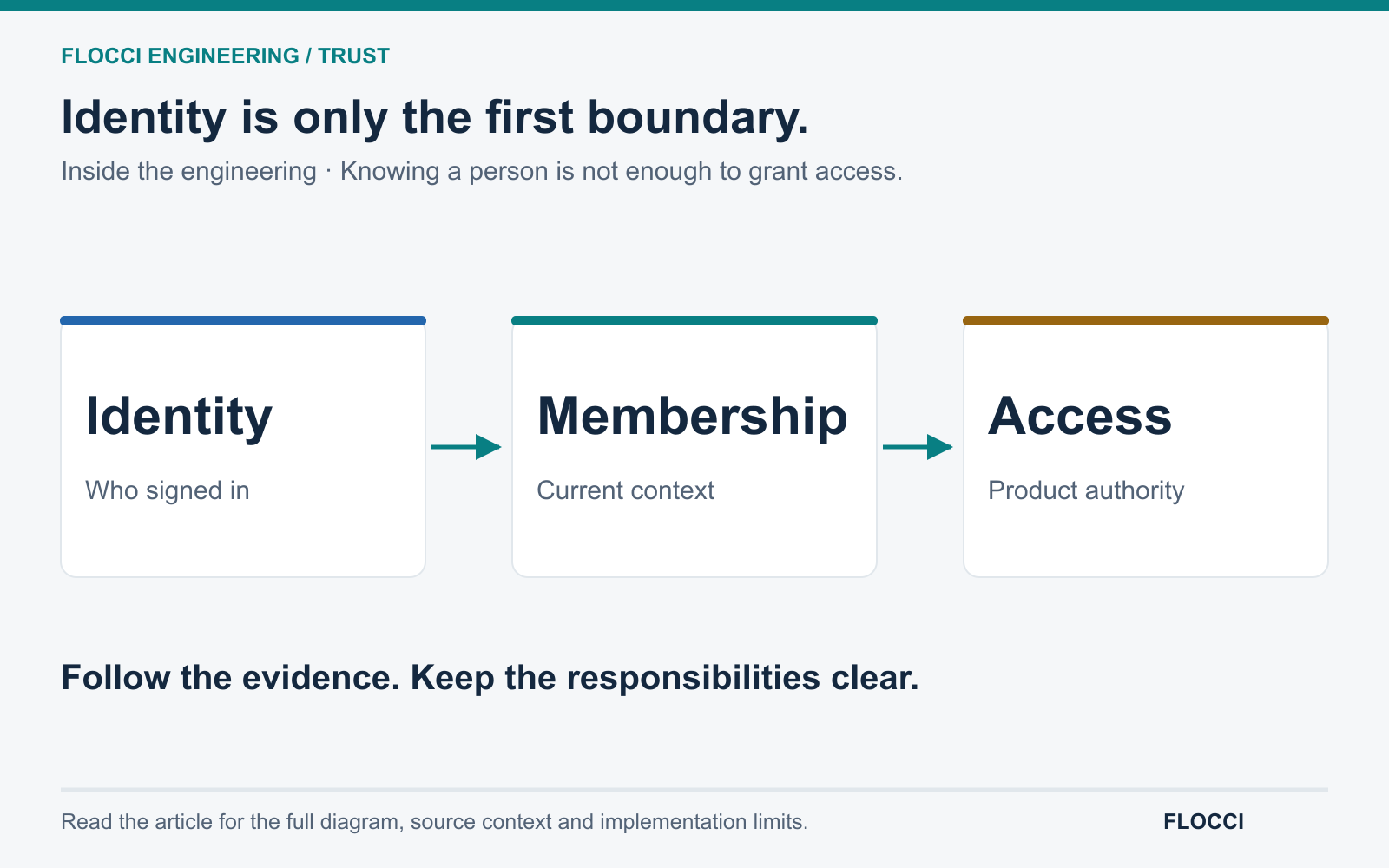
October 7, 2026 · On Crashtech
Flocci's reviewed identity, guest-assurance and assistant paths show why connected business intelligence needs explicit evidence and access boundaries.
Read the storyTurn product knowledge into powerful customer support.