A saved canvas for the team.
Give each stream of work its own composed surface.
- Twelve-column layout
- Drag and resize panels
- Saved shared workspaces
All-in-one work dashboard
Flocci Workspaces
Put the page, the issue, the calendar and the note where you need them. Workspaces gives the day one composed surface while the content keeps its canonical home in the Flocci apps that own it.
workspaces.flocci.in
Arrange and resize panels around the work the team needs to see.
Edit the real issue, page, note or event through its focused app view.
Use My Day, time context and contextual Chat to plan the next move.
Explore the tools, records and controls that make the workflow possible.
Give each stream of work its own composed surface.
Work remains in the product that owns it.
Build a register without mailing a spreadsheet around.
Get a working agenda instead of visiting every app first.
Ask about the work with your current view and access respected.
Bring collaboration and planning into the canvas.
Public product preview. Open the product to explore its current experience.
Open Workspaces (opens in a new tab)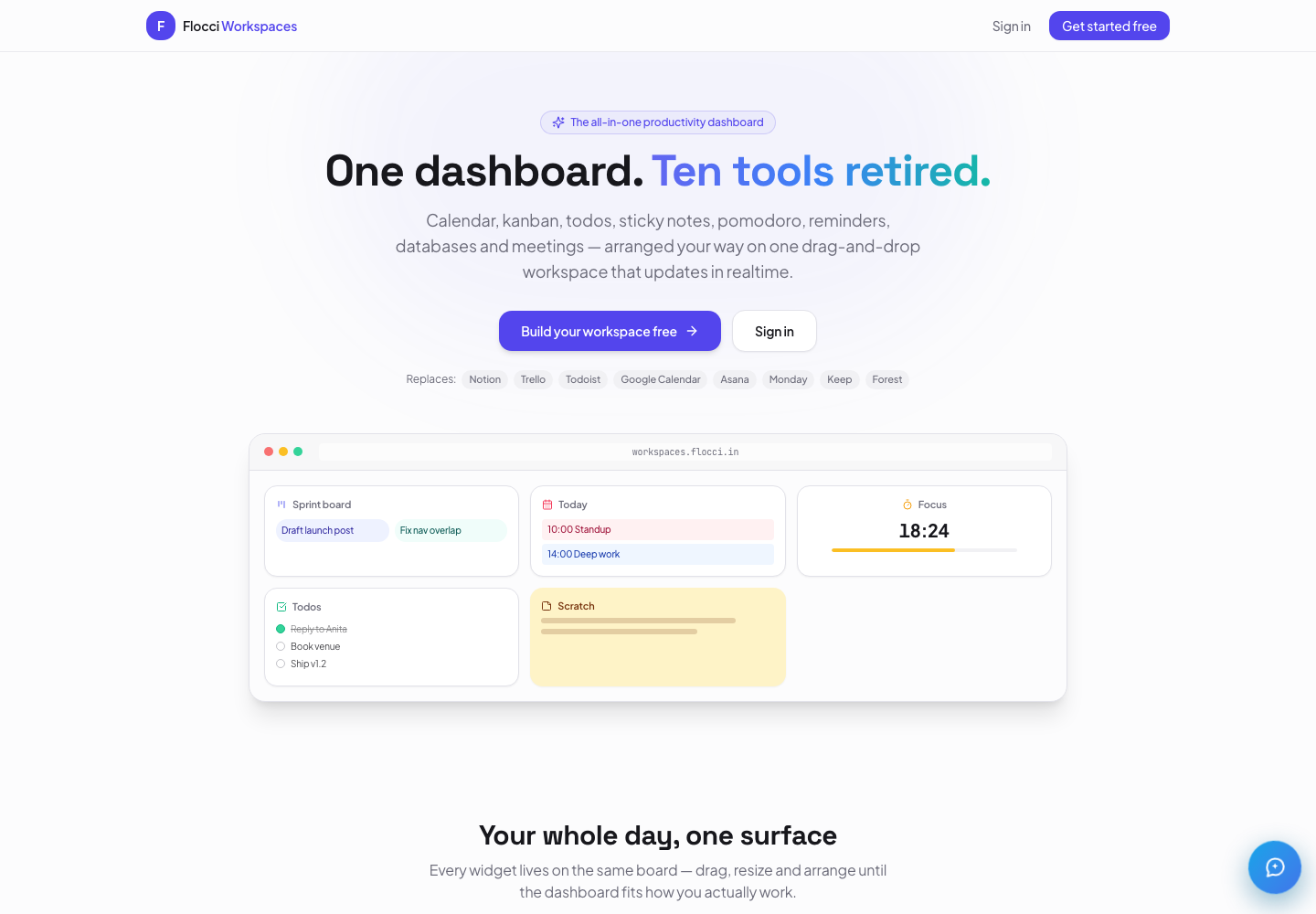
Give a team lead one view of delivery, meetings and time.
Run operations from a shared database and linked wiki pages.
Open a real diagram beside the issue and specification it explains.
Pages, issues, notes and events remain canonical in Library, Projects, Notes and Calendar. Workspaces composes live views rather than creating another content silo.
Personal use is free. Organisation seats and shared credits follow the current plan; joining live Workspaces meetings is the metered Workspaces activity. Core canvas and database work is not charged per record.
Flocci Workspaces is a shared, composable canvas with live views of Library, Projects, Calendar, Notes, Timesheets and Draw. Native databases add seven property types and four views; My Day brings cross-suite work together, and Flocci Chat uses the current canvas and member access for relevant context.
Personal use is free. Organisation seats and shared credits follow the current plan; joining live Workspaces meetings is the metered Workspaces activity. Core canvas and database work is not charged per record.
The canvas and its native content have their own lifecycle. Canonical app content, such as Library pages and Projects issues, is not deleted just because its workspace view is removed.
Workspaces is a shared working canvas. Use Library’s public page sharing for a published page; do not treat the entire workspace as a public website.
Pages, issues, notes and events remain canonical in Library, Projects, Notes and Calendar. Workspaces composes live views rather than creating another content silo.
FLOCCI ENGINEERING · STORIES
Explore the architecture and product decisions behind this part of Flocci.
October 7, 2026 · On Crashtech
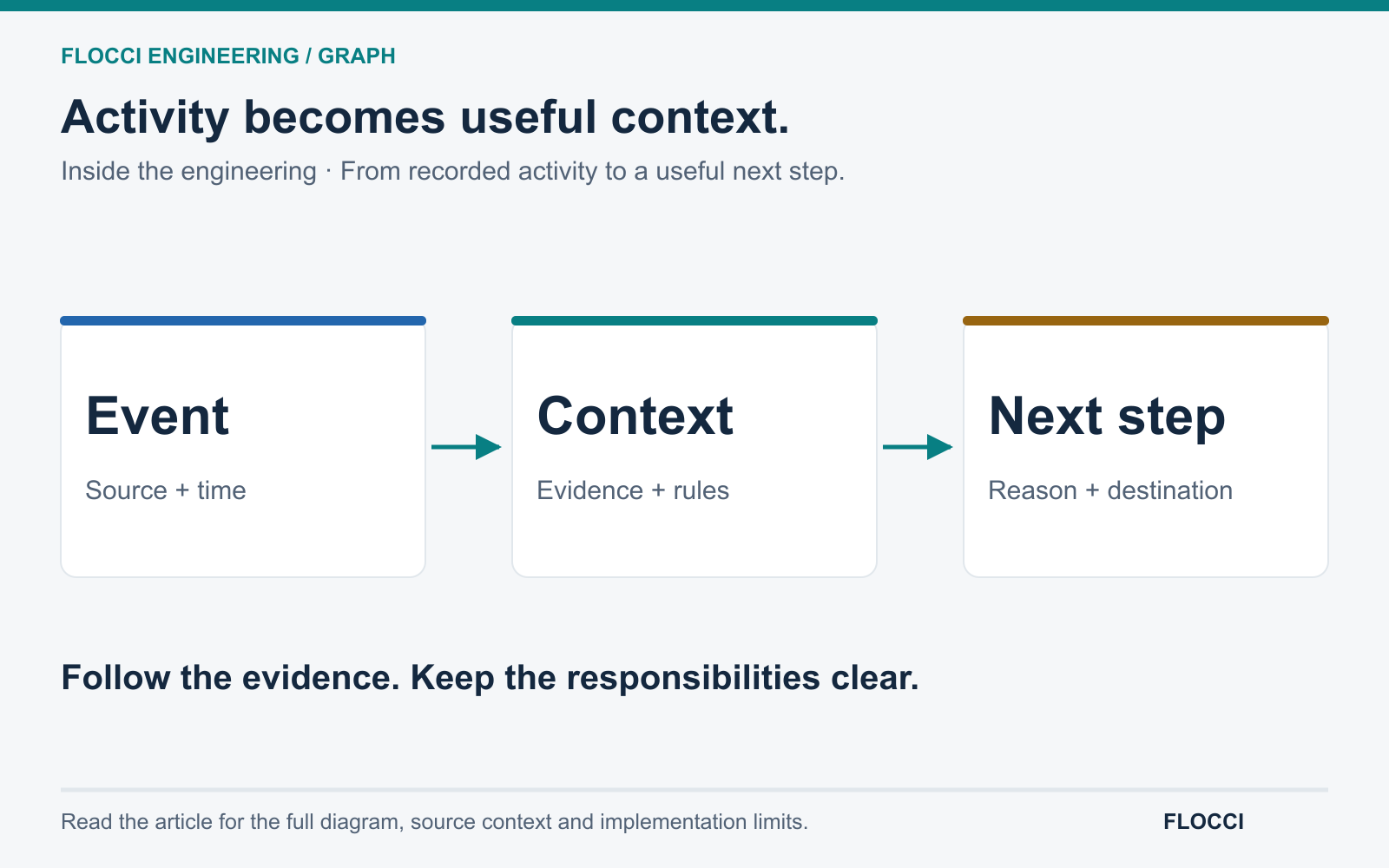
Inside Flocci Graph's approach to connected context: recorded activity, evidence-bearing suggestions and useful next steps across business applications.
Read the story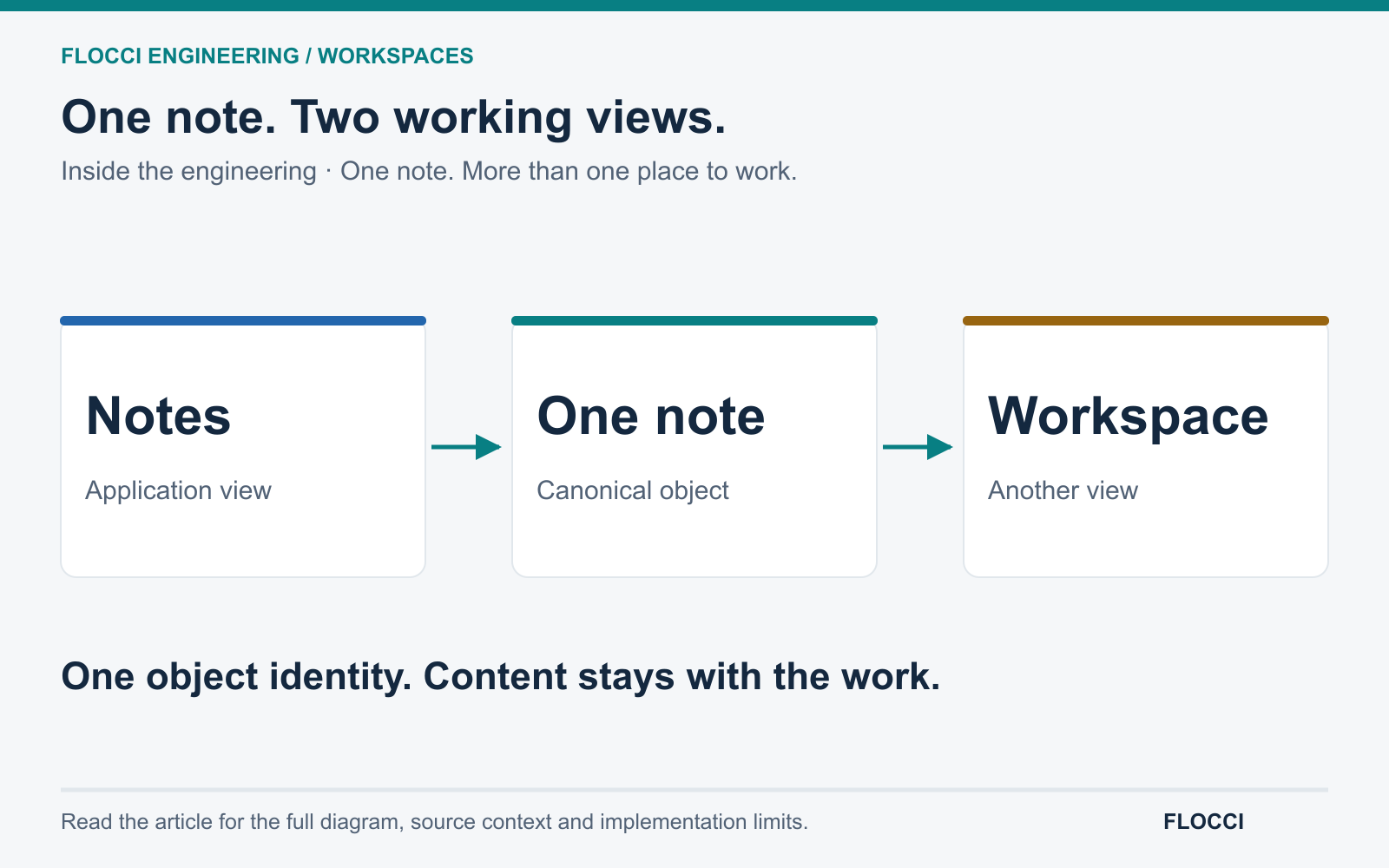
October 7, 2026 · On Crashtech
Flocci Workspaces connects a collaborative canvas to canonical Work Apps objects, preserving content while giving teams different ways to work with it.
Read the storyPut your working day in one live view.