Sixteen tools for visual thinking.
Compose diagrams without turning the sketch into a design-system project.
- Shapes, arrows and text
- Freehand and image support
- Frames and object organisation
Whiteboard & diagramming
Flocci Draw
Start drawing before you sign in. Use a sketch-like infinite canvas for diagrams, wireframes and the explanation that needs a pen. When the work needs to travel, save it, collaborate live or export the image.
draw.flocci.in
The no-account local canvas opens ready to draw.
Use shapes, connectors, frames and keyboard flowchart creation.
Sign in for cloud work and collaboration, or export PNG/SVG.
Explore the tools, records and controls that make the workflow possible.
Compose diagrams without turning the sketch into a design-system project.
Build the next node from the keyboard and keep arrows attached.
Share the working canvas rather than a screenshot of the last version.
Choose how another person can participate.
Move from a local sketch into a saved cloud canvas.
The standalone view and workspace panel stay together.
Public product preview. Open the product to explore its current experience.
Open Draw (opens in a new tab)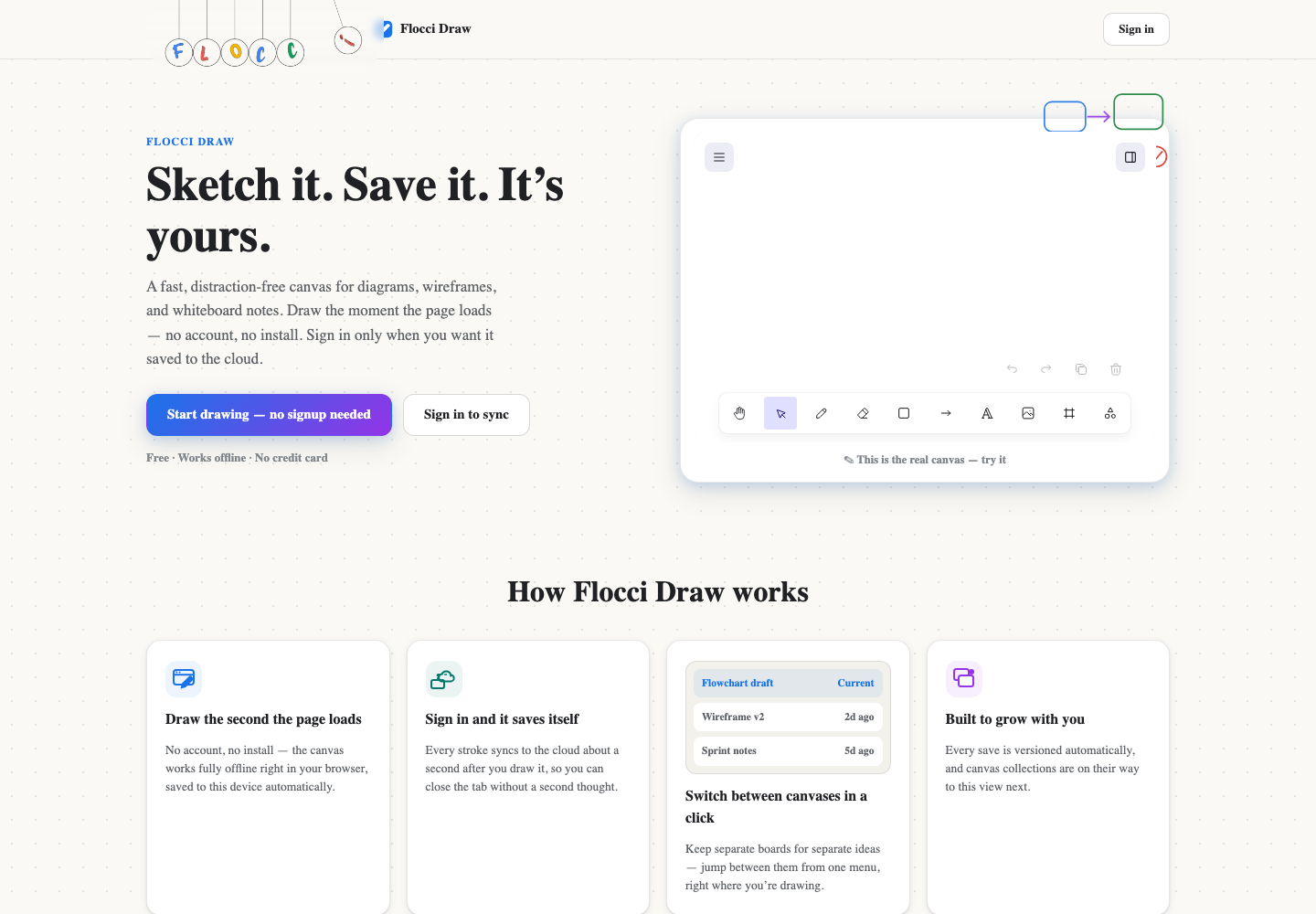
Sketch an architecture explanation during a technical discussion.
Create a user-flow diagram with keyboard-connected nodes.
Invite a reviewer through a view-only link, then export a snapshot.
Flocci sign-in unlocks the saved cloud workflow. The Workspaces Draw panel joins the same live canvas as the standalone app, rather than keeping another copy.
The local canvas and PNG/SVG export are free. Sign in when you need cloud saving, shared access and live collaboration, under the current Flocci organisation and usage model.
Flocci Draw opens directly into a no-account drawing canvas. Its sixteen tools include bound elbow connectors, frames, layers and keyboard flowchart generation. Cloud saving, live collaboration and revocable edit/view links work through Flocci sign-in, and the same live canvas embeds in Workspaces. PNG and SVG exports are free.
The local canvas and PNG/SVG export are free. Sign in when you need cloud saving, shared access and live collaboration, under the current Flocci organisation and usage model.
Yes. The local canvas is available immediately. Sign in for saved cloud work and collaboration.
Yes. View-only sharing is enforced at the server, rather than relying only on hidden editing controls.
Flocci sign-in unlocks the saved cloud workflow. The Workspaces Draw panel joins the same live canvas as the standalone app, rather than keeping another copy.
Open the canvas. Get the idea across.