Capture that fits the day.
Track while working or enter the time afterwards.
- Timer and manual entry
- Weekly timesheet
- Project and task context
Time tracking & approvals
Flocci Timesheets
Capture time, put it through the reporting line and make approved hours the foundation of reporting. Timesheets gives a team the control step between “I logged it” and “we can use that number.”
timesheets.flocci.in
Use the timer or complete the week with manual entries.
Submit to the manager, approve in bulk or return a correction.
Build reports, analytics and pay-period statements from the approved record.
Explore the tools, records and controls that make the workflow possible.
Track while working or enter the time afterwards.
Make review part of the normal workflow.
Keep unapproved hours out of downstream figures.
Go beyond a total at the end of the week.
Workspaces and Timesheets can share working context in both directions.
Give members a record of their approved work.
Public product preview. Open the product to explore its current experience.
Open Timesheets (opens in a new tab)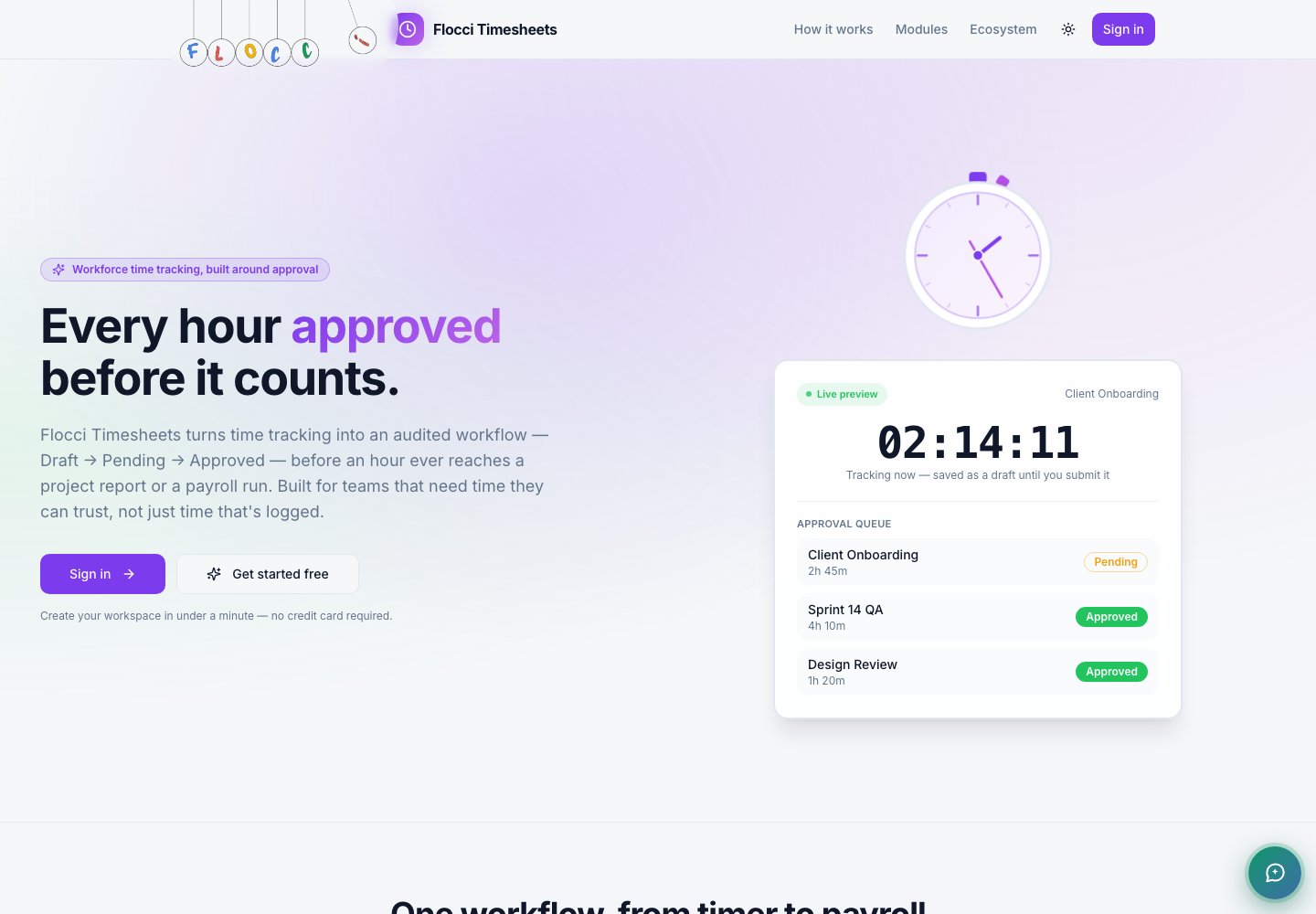
Approve agency hours before client reporting.
Give managers a clear correction and bulk-review queue.
Connect a Workspaces delivery board to the hours behind its cards.
The live product-to-product integration is Workspaces. Timesheet records remain within the workspace; they are not published as a Flocci Graph activity feed.
Tracking, submitting, approving and member self-service are free at any team size. Published deliverable actions use credits. Pay-period statements describe approved hours; they are not statutory payroll filing or bank payment.
Flocci Timesheets connects timer and manual capture to reporting-line review and bulk approvals. Approved hours power reports, utilisation analytics and pay-period statements. Core tracking and approvals have no per-seat licence, and a two-way Workspaces integration maps boards, cards and logged hours.
Tracking, submitting, approving and member self-service are free at any team size. Published deliverable actions use credits. Pay-period statements describe approved hours; they are not statutory payroll filing or bank payment.
No. Core capture and approval are free at any headcount. Metered deliverables are separate from the core workflow.
It produces pay-period statements from approved hours. It does not compute jurisdictional statutory deductions, file returns or pay employees; use approved-hour exports for the appropriate payroll process.
The live product-to-product integration is Workspaces. Timesheet records remain within the workspace; they are not published as a Flocci Graph activity feed.
Time tracking with approval built in.